content
Here’s a pattern that shows up constantly in eCommerce audits: the blog is growing, informational content is ranking, traffic numbers look respectable — and yet the category pages, the ones users actually buy from, are quietly stagnating. Nobody intended this. It just happened because the content strategy was borrowed from the wrong type of website.
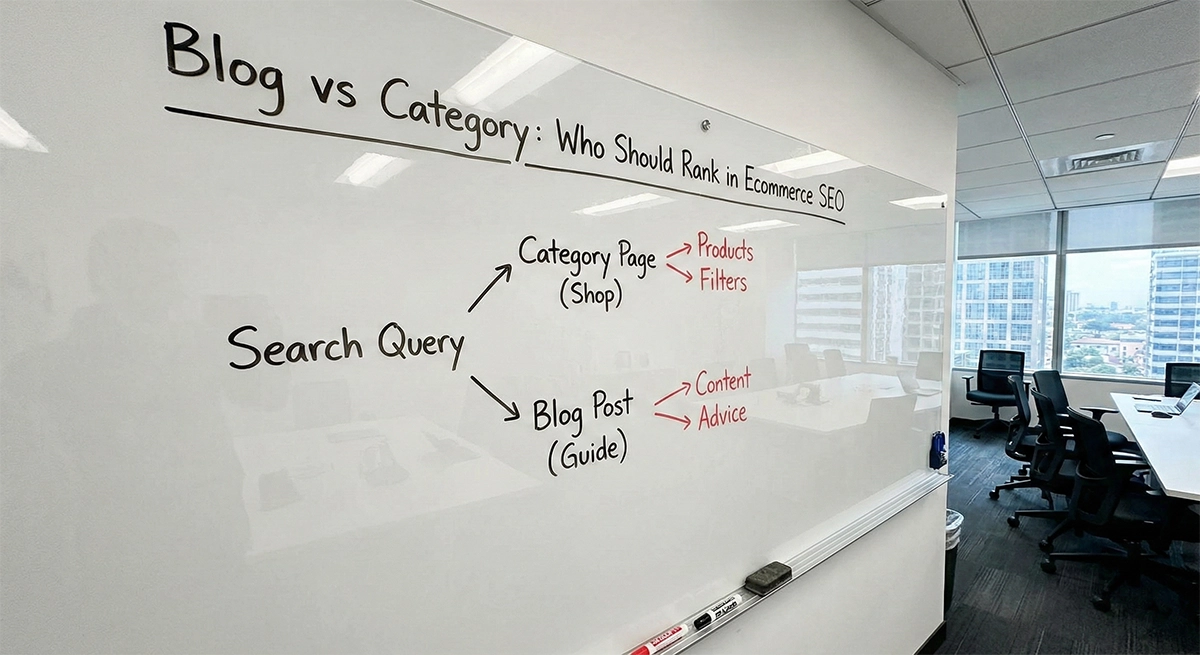
Hub-and-spoke is a legitimate SEO framework. The problem is that most eCommerce teams apply it using a media or SaaS template: build a big “ultimate guide,” cluster related content around it, watch authority concentrate on the main piece. That logic works for publications. For an online store, it often sends authority to the wrong place — and leaves revenue-driving pages under-supported.
This guide is part of the Advantrise blog series on building eCommerce SEO around systems rather than isolated tactics. The focus here is one specific question: what should sit at the center of a content cluster in an online store, and how should everything else connect to it.
The problem with classic content hubs in eCommerce
Take a realistic scenario. A kitchenware store wants to get serious about SEO. Someone on the team — or an agency — recommends building pillar content: a comprehensive guide on choosing a stand mixer. The guide gets written, it’s genuinely good, and after a few months it starts ranking for informational queries. Traffic goes up.
The team is pleased. SEO is working.
Meanwhile, the “Stand Mixers” category page is getting a few clicks from internal links inside that guide. It’s in the nav. It exists. But it isn’t the hub of anything — it’s a destination the guide occasionally points to, among several others.
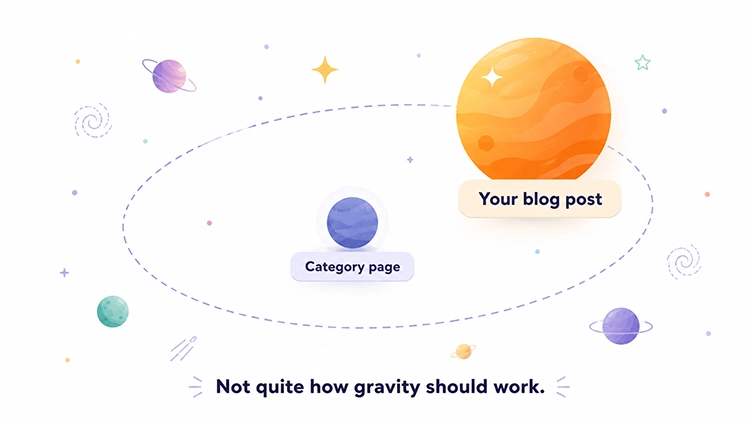
This is the structure most eCommerce brands end up with when they copy content marketing logic without adapting it. The guide collects the audience. The category page — the one with filters, product listings, and an actual path to purchase — stays in a supporting role.
The guide didn’t cause this. The structure did.
What a hub is supposed to do for an online store
In a media or SaaS context, the hub page has one job: explain the topic thoroughly. It teaches, organizes, and gives users enough context to understand what they’re looking for. Spoke pages go deeper on subtopics. The whole cluster signals to search engines that this site takes the topic seriously.
That job description is missing something for eCommerce: the hub needs to close the loop on intent, not just open it.
A category page does something an informational guide can’t. It collects demand across multiple commercial queries, organizes the assortment, gives users a way to filter and compare, and leads directly to products. It answers “I want to buy” rather than “I want to understand.” Those are different jobs — and the hub of a commercial cluster should be handling the commercial one.
This is where most content strategies quietly go sideways. The guide is good at pulling in users who are still deciding. The category is good at converting users who’ve decided. Putting the guide at the center means the authority flows toward the explaining, not the selling.
Why category pages usually make better hubs
Category pages rarely earn external backlinks at the same rate as guides, comparisons, or research-driven content. When other sites link to an eCommerce store, they tend to cite useful content — something educational, comparative, or data-driven. A category page doesn’t usually fit that description.
That’s not a flaw in the category page. It’s a structural reality that means category pages depend almost entirely on internal support to build authority. And if they aren’t the center of a deliberate internal linking system, that support just doesn’t arrive.
Building that system – figuring out which pages link to which, with what anchor text, and how to make it happen consistently rather than by accident — is a separate piece of work that we covered in the eCommerce internal linking guide. The short version: internal links don’t spread authority on their own. You have to route it deliberately, and category pages are usually where it needs to go. This kind of deliberate structure is at the core of eCommerce SEO that actually moves category rankings rather than just growing blog traffic.
Beyond the linking question, there’s also the intent match. A category page can rank for queries like “best stand mixers,” “buy stand mixer online,” “stand mixers under $300.” These are searches where users have already made a category decision and are shopping. An informational guide can appear for these queries too, but it isn’t what the user needs at that moment — and search results increasingly reflect that.
What should become spokes around the category
If the category page is the hub, every other page in the cluster exists to support it — and each type of supporting page has a specific job.
Informational guides (“how to choose,” “best for…”) answer questions users have before they commit to a category. They pull in early-stage search traffic and should pass that audience to the category through a contextual link: “if you’ve narrowed it down to stand mixers, here’s the full range.” These are probably the most common spoke type in eCommerce blogs — and also the ones most often published without any link to the commercial page they’re supposed to support.
Comparison and alternative pages (“X vs Y,” “best alternatives to…”) serve users who are close to a decision but want to resolve a specific doubt. They have clear commercial intent and can link directly to the category or to specific subcategories and product pages depending on what the user is comparing.
Top-selling PDPs with their own organic demand — searches for specific brands or models — can function as spokes when they’re genuinely prominent and link back to the parent category. Not every PDP, but the ones with real search volume.
FAQ content that addresses objections — “is a stand mixer worth it,” “stand mixer vs hand mixer for bread dough” — can close gaps in the cluster for users who are almost ready to buy but need one more answer.
Subcategories and indexable filtered pages sit in between: they’re part of the hub’s structure and also spokes for the broader parent category. A “Stand Mixers Under $300” subcategory is itself a small hub for budget-focused queries while also supporting the main category.
The common thread: every spoke links to the hub. Not through the nav — through the content, in a place where that link makes sense for the reader.
The wrong model: when the blog becomes the main character
This one is worth saying plainly, because it’s common and not always obvious from the inside.
A cosmetics brand writes “The Ultimate Guide to Vitamin C Serums.” It’s thorough, well-researched, and deserves to rank. Google agrees. The guide climbs to the top of the results for several informational queries. Traffic to the blog increases. Internally, everyone points to this as proof the content strategy is working.
The “Vitamin C Serums” category page, meanwhile, is not the center of anything. It gets mentioned in the guide. It’s in the nav. But it isn’t ranking well for commercial queries, it doesn’t have spoke pages linking to it deliberately, and its traffic is flat.
The guide became the main character. The category page is still an extra.
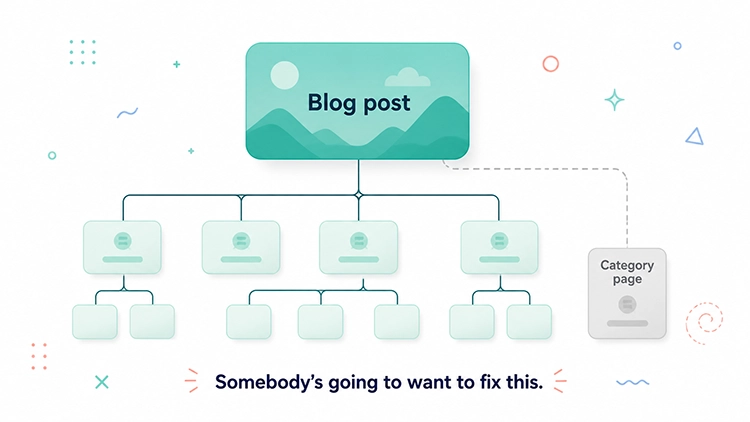
The fix isn’t deleting the guide — it’s reorganizing the relationships. The guide becomes a spoke. The category becomes the hub. The guide links to the category as the natural next step for anyone who’s done reading and is ready to shop. Other content — comparison pieces, subcategory pages, relevant PDPs — links to the category too. Authority starts flowing toward the page that converts rather than the page that explains.
This doesn’t require new content. It requires changing the linking structure of what already exists.
How to build a hub around a category page
One category at a time is the right pace. Trying to restructure the entire site at once usually means nothing actually gets done.
Step 1. Pick a category with real commercial potential. Look in GSC: which category pages have queries with meaningful impression volume and an average position of 8–20? That’s a page search engines already consider relevant but haven’t pushed into the top results. Weak internal support is often why.
Step 2. Map the intent around the topic. What are people searching for in relation to this category? Group by intent: ready to buy (category and subcategory pages), comparing options (comparison pieces, curated lists), still learning (how-to guides, FAQ content). That map is the skeleton of your cluster.
Step 3. Check what already exists. Which of those spoke-type pages are already on the site? How many of them link to the category page in the body of the content — not through the nav, but contextually? If the honest answer is “one or none,” that’s the gap.
Step 4. Add contextual links from existing spokes to the hub. Every spoke page that’s already live should have a natural link to the category page. Not “see also” in a sidebar. A sentence inside the content where the link makes sense: “if you’ve decided on this type, the full range is in the category” or “all the options are here.”
Step 5. Strengthen the hub page itself. If the category page has editorial copy — and it should — that copy should link to the main subcategories and to one or two spoke content pieces. The relationship runs both ways. A category page that links to its supporting blog content, and those posts that link back to the category, sends a much clearer signal of topical structure than pages that all point inward but never connect outward.
Step 6. Apply the same logic to every new spoke. Any new guide, comparison, or FAQ that touches this topic should link to the category hub before it goes live. Make it part of the publishing checklist rather than an afterthought that someone catches — or doesn’t — six months later.
Internal links that actually make the cluster work
The architecture above only holds if the links inside it are doing real work — not just existing.
Context. A link from a guide to the category page should appear where it’s genuinely useful for the reader — at the moment they’ve finished absorbing the information and are ready for the next step. “If you know what you’re looking for, the full range is here” lands differently than a generic link dropped into the first paragraph because someone said there should be one.
Direction. Spokes linking to the hub is the foundation. But in eCommerce, there’s a second direction worth building: editorial spokes (guides, comparisons) linking to commercial spokes (subcategories, specific PDPs). This shortens the path between “I’m reading about this topic” and “I’m looking at specific products to buy.”
Anchor text. A link with the anchor “Vitamin C Serums” gives search engines more to work with than “click here.” At the same time, if every spoke-to-hub link uses the identical anchor phrase, it reads as deliberate over-optimization. “Vitamin C serum collection,” “full range of vitamin C serums,” “browse vitamin C serums” — all natural, all useful, none of them identical.
A concrete example: skincare category cluster
Hub: “Vitamin C Serums” category page — filters, assortment, editorial intro copy, links to subcategories.
Spoke pages:
- “How to Choose a Vitamin C Serum” — informational guide, ranks for early-stage queries, links to the category as the next logical step for someone ready to browse.
- “Vitamin C Serum for Dull Skin” — mid-funnel content targeting a specific concern; links to the category and to relevant PDPs.
- “Vitamin C vs Retinol: Which One Is Right for You” — comparison piece resolving a common pre-purchase doubt; links to the category under “if you’re going with vitamin C.”
- “Best Vitamin C Serum for Sensitive Skin” — curated list with commercial intent; links directly to a subcategory or to specific product pages.
- Individual PDPs for top-selling serums — each links back to the category through both the breadcrumb and a line of copy (“other options in the collection”).
Each spoke handles one specific type of query. The guide covers “still deciding.” The comparison piece covers “almost decided, need to resolve one thing.” The curated list covers “decided, want a shortcut to the best options.” The PDPs cover “decided and searching by product.”
For search engines, this cluster looks like a site that covers vitamin C serums from multiple angles — education, comparison, purchase, specific products. Not because there’s one massive guide, but because different pages handle different parts of the journey and they’re all connected to a central page that can actually sell.
How to tell if the hub is working
Three data sources are enough to start — no complex setup required.
GSC Performance, filtered by category URL. Look at which queries are generating impressions for the category page. Queries with position 8–20 and solid impression volume are the signal to watch. Google may start reflecting changes in this data within two to four weeks of structural updates, while meaningful ranking movement usually takes longer — six to ten weeks is a more realistic window.
Internal link count to the hub, from a crawl tool. After running Screaming Frog or a similar tool, check how many pages link to the category — and specifically how many do so through body content rather than sitewide navigation. Under five contextual inbound links usually means the cluster isn’t built yet, regardless of how many blog posts exist on the topic.
Assisted sessions from spoke pages, in GA4. If you have attribution reporting set up, check whether sessions that start on informational spoke pages (guides, comparisons) end with a transaction that went through the category or a PDP. That’s the clearest signal that the cluster is working commercially, not just for traffic.
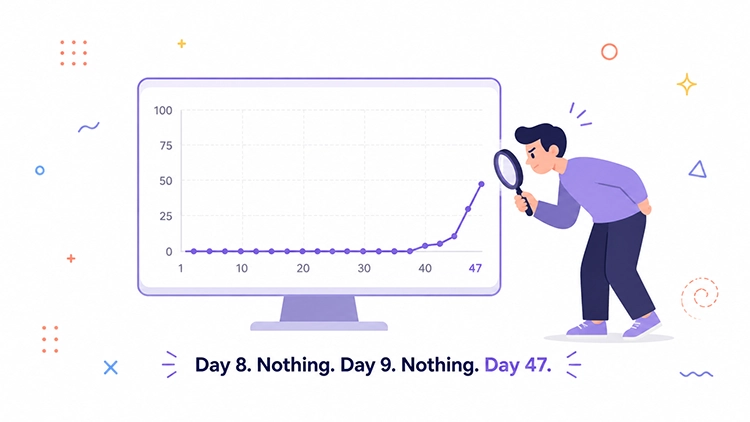
Worth knowing upfront: teams that check after one week and see nothing tend to conclude it didn’t work. The crawl cycle just hasn’t caught up yet. A fully built cluster usually shows its ceiling after three to four months.
Build around the pages that can earn
eCommerce SEO should be organized around pages that convert, and everything else should support them — not compete with them for authority or user attention.
That doesn’t mean abandoning informational content. It means giving it the right job. Guides explain. Categories sell. Guides work best when they move people toward the category. Categories work best when they’re the center of a deliberate structure, not a page that happens to exist alongside a successful blog.
When this thinking becomes the default, content decisions get cleaner. “What should we write next” becomes “which category needs more spoke support.” “Is the guide performing” becomes “is the category it supports moving.” The blog stops being a separate project and starts being infrastructure.
If your categories, products, and editorial content are still operating in separate tracks rather than as a connected system, Advantrise can help map the gaps and build the cluster structure around the pages that actually drive revenue.
Subscribe to our newsletter