content
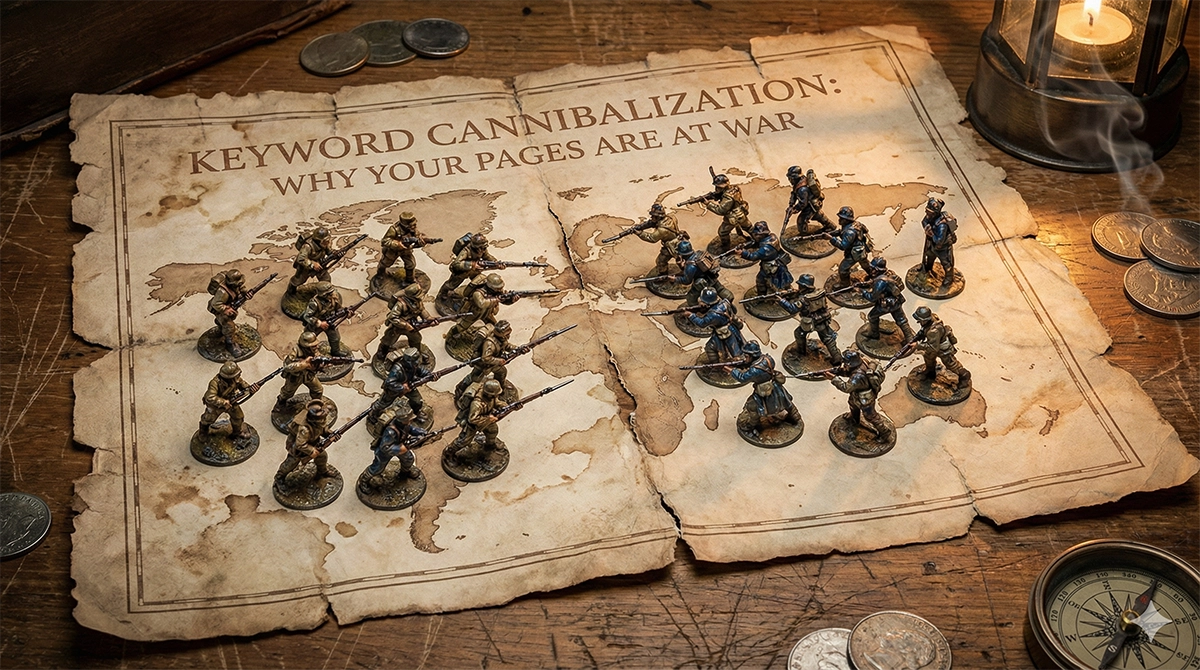
Have you noticed this symptom? You publish a new, perfect landing page for a fresh collection, and suddenly your established category page drops in rankings. Or worse, your positions start to “dance”: you are at the top in the morning, but by the evening, you have fallen to the second page.
Many business owners blame this on Google algorithm storms. However, as any experienced ecommerce SEO agency will tell you, the cause is often internal. This is keyword cannibalization.
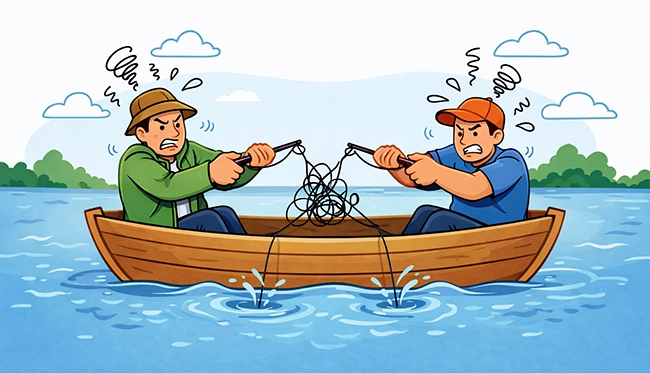
Simply put, cannibalization occurs when multiple pages on your site compete for the exact same search query. For online retailers, this is critical because it directly impacts revenue growth. Instead of entering one strong athlete into the competition, you enter two or three weaker ones. They interfere with each other, steal link weight, and ultimately lose to your competitors. Identifying and resolving this is one of the core tasks in eCommerce SEO – especially for stores with large catalogs where overlap happens naturally. They interfere with each other, steal link weight, and ultimately lose to your competitors.
In ecommerce, this is extra sneaky because your site is built to create more pages: categories, collections, brand hubs, seasonal landing pages, and sometimes thousands of URL variants from filters and sorting. Great for shoppers, risky for search engines if you do not decide which page is the primary answer for each topic.
What Cannibalization Looks Like in a Real Store
It is not always obvious. Inside your site, you likely have a typical set of competitors that frequently overlap. You might have a main “Sneakers” category fighting against a “Running Sneakers” subcategory. Perhaps a new seasonal collection is battling a “How to Choose Sneakers” blog guide. Even a filter page like “Black Nike Sneakers” can accidentally get indexed and cause confusion.
The tricky part is that each of these pages can look reasonable in isolation. A shopper clicks a filter, lands on a clean list, and you think “nice UX”. But for Google, ten near-duplicates can look like indecision: it has to guess which one is the main page. If filter URLs are part of your setup, our guide Faceted Navigation SEO: Keep Filters, Lose the Duplicates explains the usual patterns and the safest fixes.
A business owner experiences this as confusion, feeling like Google does not understand which page is the main one. That feeling is correct. If you check your analytics or perform a technical SEO audit, you will see a clear signal: different URLs are being shown for the same query on different days.
Why It Happens and Why It Kills Sales
This is rarely a mistake by a specific specialist but often a side effect of an aggressive digital marketing strategy. It happens when you create duplicate structures, such as a category and a separate collection for a sale. It arises when intent is blurred, where two pages cover the same topic with similar products. Chaotic navigation, accidental indexing of technical filter pages, and over-enthusiastic content marketing that displaces commercial pages also contribute to the chaos.
It also shows up when teams move fast: a new promo page goes live, a blog post targets the same phrase as a category, or a platform automatically creates tag pages you did not plan to publish. None of this is “wrong” by itself. The issue is the overlap: two pages promise the same thing to the same query.
The problem extends beyond rankings and the inability to increase organic traffic. It dilutes your authority because no single page becomes the best answer in Google’s eyes. It ruins the user experience when shoppers looking to buy land on a blog post, or those seeking a review land on a dry product listing. Finally, you lose control over scalability because you do not know which URL to target with your ecommerce PPC agency budget or backlinks.
There is also a practical cost: reporting becomes noisy. You see traffic split across multiple URLs, conversion rate looks inconsistent, and it is harder to learn what actually works. Even paid campaigns can feel less predictable when your SEO “main page” keeps shifting from one URL to another.
The Simplest Way to Diagnose It
You do not need expensive scanning tools to find the immediate leaks. You can do this manually:
Think of this as a quick health check, not a perfect investigation. Search Console shows which queries trigger impressions and which pages show up for them. That is enough to spot the “twins” that are stealing each other’s visibility. If you want a broader checklist for the same mindset, Ecommerce SEO Audit in 60 Minutes: An Action Plan to Find Revenue Leaks is a good companion piece.
- Select Priorities: Pick 5–10 categories where there is both demand and a good profit margin. Do not try to fix everything at once.
- Check Search Console: Enter your main query into the filter (e.g., “buy coffee maker”) and look at the Pages tab.
- Find the Pairs: If you see multiple URLs receiving impressions for this query, these are your cannibals.
- Evaluate Manually: Open these pages. Which one should be selling? Which one is more user-friendly? That page is your winner.
Two quick tells usually pop up. First, titles and headings look almost interchangeable. Second, internal links and breadcrumbs do not clearly prefer one page over the other. When the site cannot decide, Google rarely will.
Four Scenarios for Fixing the Issue
Once you have found the conflicting pages, you have four paths forward to restore your search engine optimization health:
Do not try to solve everything at once. Pick the page that should be the “owner” of the query and make every other competing page either support it, serve a different intent, or step out of the index. The goal is clarity: one main result for one main search need.
- Merge: If the pages are nearly identical, move the content to the stronger one and delete the weaker one, setting up a 301 redirect.
- Split by Intent: Optimize one page strictly for “buy” (commercial) and the other for “how to choose” (informational). Make them distinctly different.
- Reposition: Make one page subordinate. A guide should not compete with a category; it should link to it.
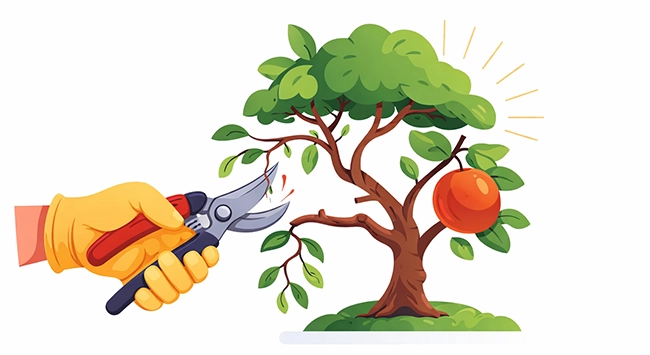
- Deindex/Canonical: If the twin is a technical filter page, block it from the index or set a Canonical tag pointing to the main category.
In plain English: canonical says “this is a variation, but the main version is over there”. Noindex says “keep this page for shoppers, but do not treat it as a search result”. Both let you keep UX while reducing SEO noise.
Navigation as a Traffic Controller
The best treatment is prevention. Follow the principle that one topic deserves one main page. Your menu, breadcrumbs, and internal linking blocks must work toward a single goal. A practical pattern is a clear hierarchy where the Category leads to a Subcategory, which leads to a Product. Guides and articles should be inserted into this structure as helpers, not as replacements for categories.
This is why category architecture matters more than most people expect. A well-built category page is not just a list of products – it is the page that collects links, relevance, and trust over time. We break down a simple structure that works for most stores in Category Page SEO: A Simple Template That Ranks and Sells.
Imagine a niche store with 50 categories. They had a problem where the query “orthopedic mattresses” was ranking via a category, an old “Top 10 Mattresses” article, and a tag page. Traffic was erratic. By defining the category as the main page, updating the article to link heavily to that category, and closing the tag via Canonical, positions stabilized within three weeks. Conversion rates grew because people landed directly on the product showcase.
In practice, these changes do not always show up overnight. Google needs time to recrawl, reprocess signals, and test the new preferences in rankings. What you want to see first is less flip-flopping: the same page starts collecting more impressions for the target query, while the weaker twin fades.
Common Mistakes When Fixing Cannibalization
When fixing cannibalization, avoid the trap of nuking everything with noindex tags without analysis. Do not leave two pages active just in case, thinking you will take up more space in search results; you will simply split your traffic in half. And never forget 301 redirects after merging pages. Deleting a duplicate without a redirect means losing its accumulated authority forever.
The other common mistake is the opposite: changing nothing on the site, and only “optimizing” with small copy edits. If two pages remain equally eligible, Google will keep testing both. Also avoid creating a third competitor: for example, publishing a new “best” page while the old two still exist. More pages rarely means more rankings when the intent is the same.
Conclusion
Cannibalization is not a punishment from Google. It is a signal that your site structure needs clarity. Order on your site means a clear choice for both the search bot and the human shopper.

A simple habit helps: keep a lightweight map of your important queries and their “home” pages. When someone wants to publish a new page, you can quickly ask: is this truly a new topic, or are we about to create another twin? That one question prevents a lot of quiet SEO damage.
To start, check your top revenue-generating categories for twins, decide which page is the leader, and adjust your internal links so they point to that leader. If you need to bring order to a massive structure, sort through thousands of filters, and connect your SEO strategy with Google Ads performance, this is a job for a team that sees the whole picture. Advantrise can help you turn chaos into a structure that sells.
Subscribe to our newsletter